Open db |
  
|
Open db |
|
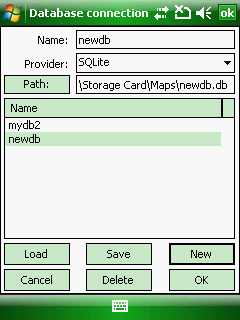
The Open db file panel accessible through the Database connection panel when tapping on the [New] button.
Open DB file panel
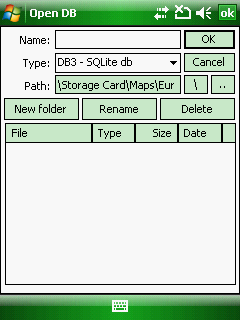
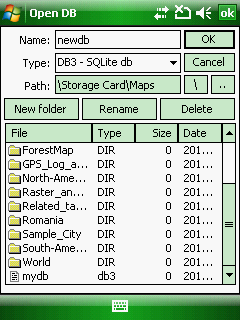
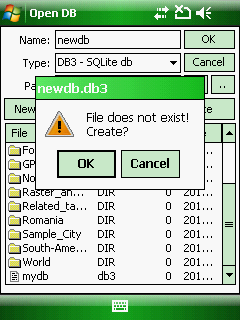
 To create a new SQLite DB3 geodatabase file enter the Name of the database then tap [OK] and finally [OK] on the "File does not exist! Create" message box.
1.
2.
3.